
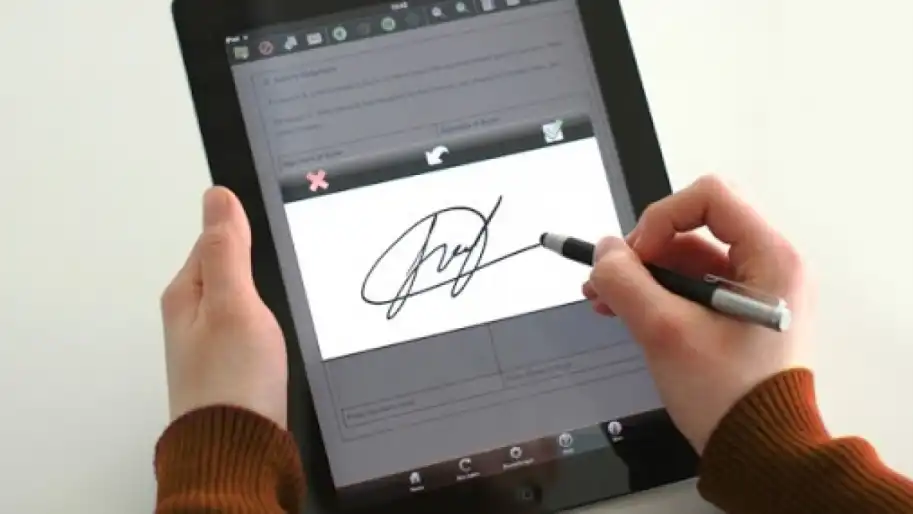

The Ministry of Digital Transformation has launched an electronic signature in the Diia application.
Deputy Prime Minister, Minister for Digital Transformation Mykhailo Fedorov announced this during the presentation of Diia Summit 2.0, Ukrainian News Agency reports.
"Diia.Signature is your electronic signature right in your smartphone. Sign documents, get government services simply from your phone at home, in the subway or during your morning coffee - free of charge and in a few clicks," Fedorov said.
To create an electronic signature in Diia you need:
Select the creation of a signature in the Diia application menu; Click "Create"; Confirm your identity in a convenient way; Come up with a code. To use an electronic signature in Diia you need:
Select and fill in the document you want to sign;
Sign the document;
Confirm your identity in a convenient way;
Enter the password.
Besides, now you can use NFC authorization for authorization in Diia.
With NFC, you can add your documents to the program by attaching your ID-card to your smartphone.
For this you need:
Scan the code on the back of the ID-card;
After that, attach the card to the smartphone;
Pass PhotoID check - the program will scan your face and make sure that you are a real person, and not just a photo in front of the camera.
As Ukrainian News Agency earlier reported, the Ministry of Digital Transformation has launched sharing of documents using a QR code in Diia.
Who we are: About us, Contacts. How we write news and our principles: Editorial code. We did our best. If you found this valuable – please support us.
To request a correction, please send an email.